


Photo Print Resolution & DPI
300 DPI is the gold standard for sharp prints — here is how to calculate pixels for every popular size.
Check Quality on UploadQuick answer: DPI (dots per inch) measures print sharpness. For a 4×6 inch print at 300 DPI, you need about 1200×1800 pixels. For 8×10 at 300 DPI, aim for 2400×3000 pixels.
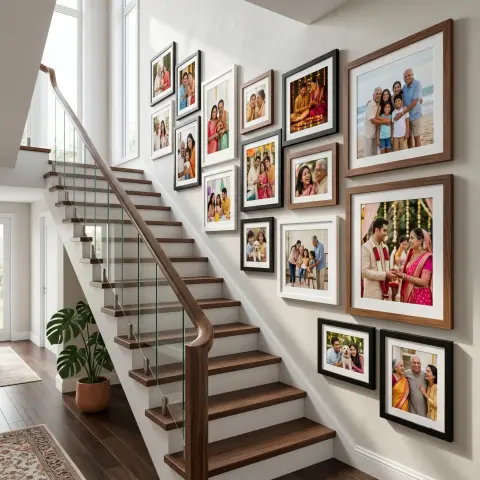
Resolution confusion causes more reprints than any other factor. Your phone may show a crisp screen preview while the file is too small for an A3 wall print. Rule of thumb: multiply each print dimension in inches by 300 to get minimum pixel counts at professional quality. Our upload checker compares your file to the size you selected and warns before checkout. For gallery walls, prefer slightly oversized files — downscaling hides small imperfections better than upscaling a tiny image.
Examples for this guide



Minimum pixels at 300 DPI
| Print size | Portrait pixels | Landscape pixels |
|---|---|---|
| 4×6 in | 1200 × 1800 | 1800 × 1200 |
| 5×7 in | 1500 × 2100 | 2100 × 1500 |
| 8×10 in | 2400 × 3000 | 3000 × 2400 |
| A4 | 2480 × 3508 | 3508 × 2480 |
| A3 | 3508 × 4961 | 4961 × 3508 |
Frequently Asked Questions
Is 150 DPI enough for small prints?
4×6 album prints may look acceptable at 150–200 DPI when viewed at arm's length, but 300 DPI is safer for gifts and framing.
What if my image is too small?
Choose a smaller print size, crop tighter on the subject, or use our HD 12-colour option which can help slightly — but cannot invent detail.
Does WhatsApp compression ruin prints?
Forwarded WhatsApp images are often heavily compressed. Request the original file or use cloud album downloads for best results.

 Continue with Google
 Continue with Facebook