


Print Phone Photos Without Blur
Modern phones shoot high-resolution photos — but sharing apps compress them. Here is how to keep quality from camera roll to print.
Upload from PhoneQuick answer: To print phone photos sharply, upload the original file from your camera roll (not a WhatsApp forward), check pixel dimensions against print size, and use our upload preview before ordering.
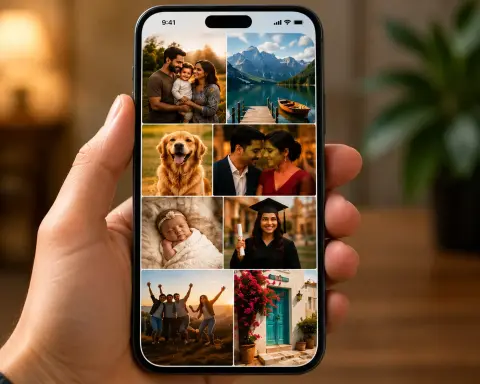
Indian customers increasingly order prints straight from phones — especially after weddings and festivals when albums are shared on WhatsApp. The problem is not the camera; it is the file path. Screenshots, forwarded images, and status downloads strip metadata and resolution. Always tap “Download original” from Google Photos, iCloud, or the photographer’s gallery link. HEIC files from iPhones are supported on PrintPosters.in. If our checker flags softness, drop to 4×6 or 5×7 instead of forcing A4.
Examples for this guide

Mobile print checklist
- Use camera roll original — not WhatsApp forward
- Disable “data saver” when downloading wedding gallery links
- Pick size after upload — let the checker guide you
- Prefer lustre finish for skin tones in indoor phone portraits
- Order a single test 4×6 before bulk wedding sets
Frequently Asked Questions
Can I upload HEIC from iPhone?
Yes — our uploader accepts HEIC along with JPG and PNG.
Why does my phone preview look fine but print soft?
Screens display small; a 1200px wide image fills a phone screen but may not cover an 8×10 inch print at 300 DPI.
Best size for Instagram square photos?
4×4 or 4×6 with crop, or square table-top frames — avoid stretching to A4 without enough pixels.

 Continue with Google
 Continue with Facebook